
Category: Guides
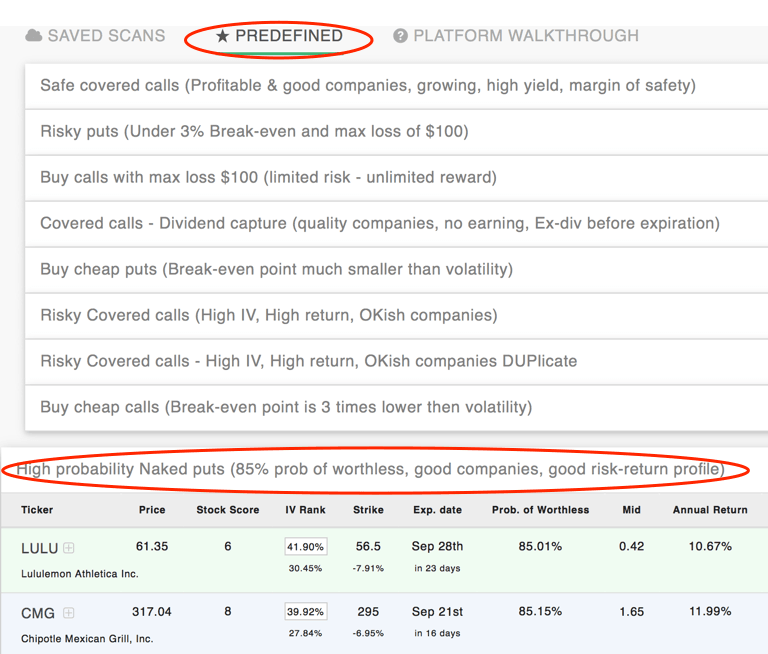
How To Choose A Naked Put Option For Premium Capture
3 min read
We are going to see how to choose an option for selling using a predefined scan. In this case, we’ll use the “High probability Naked puts (85% prob of worthless, good companies, good risk-return...
![Result-Chart[1]](/_next/image/?url=%2Fapi%2Fmedia%2Ffile%2FResult-Chart1.png&w=3840&q=90)
How to use SamurAI Options backtester
3 min read
This is the first post, describing our unique options backtester. Our options backtester allows the user to set up an event, and then see the behavior of stocks and/or options after that...
![ATR2[1]](/_next/image/?url=%2Fapi%2Fmedia%2Ffile%2FATR21.gif&w=3840&q=90)
Using ATR when trading options (Average True Range)
2 min read
Average True Range is a stock volatility measure developed by Welles Wilder in his book "New Concepts in Technical Trading Systems". The goal of the indicator is to find the "true" movement range...
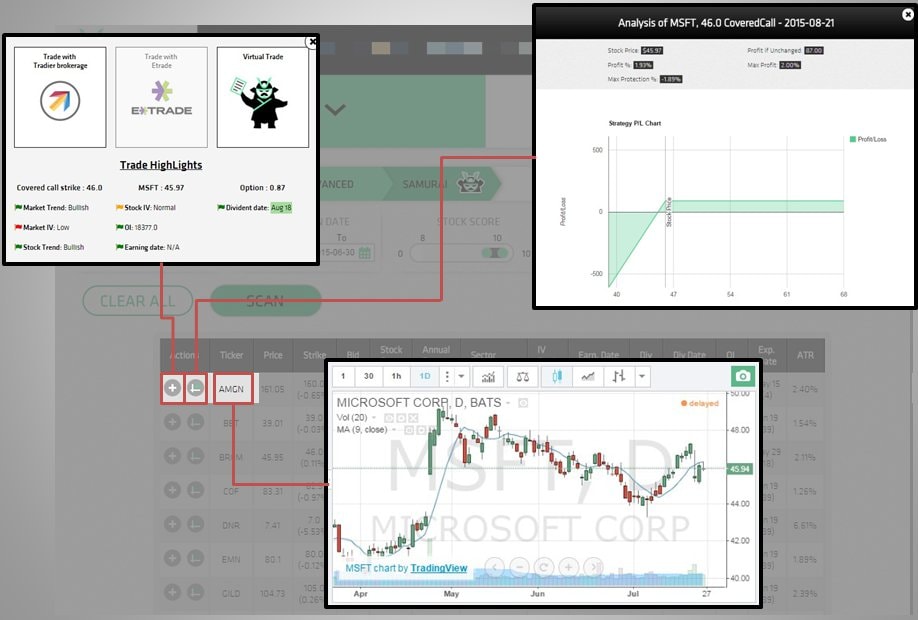
Research, Analyse and Trade
2 min read
Option Samurai is designed to help you find trade ideas quickly. After using our predefined scanners to find ideas quickly, we display all the trades in a table so you can compare the trades...
Scan from Lists
1 min read
Several users have requested to be able to scan from a custom list of stocks. Instead of creating another scanner, we made our current 'Symbol' scanner more robust. Now you can copy paste from...
![predefined[1]](/_next/image/?url=%2Fapi%2Fmedia%2Ffile%2Fpredefined1.gif&w=3840&q=90)
How to use Pre-Defined Screens
1 min read
One of our coolest features is the pre-defined screen. Every strategy has several pre-defined screens to help you start using the app as soon as possible.
Pre-Defined Screens
The pre-defined...
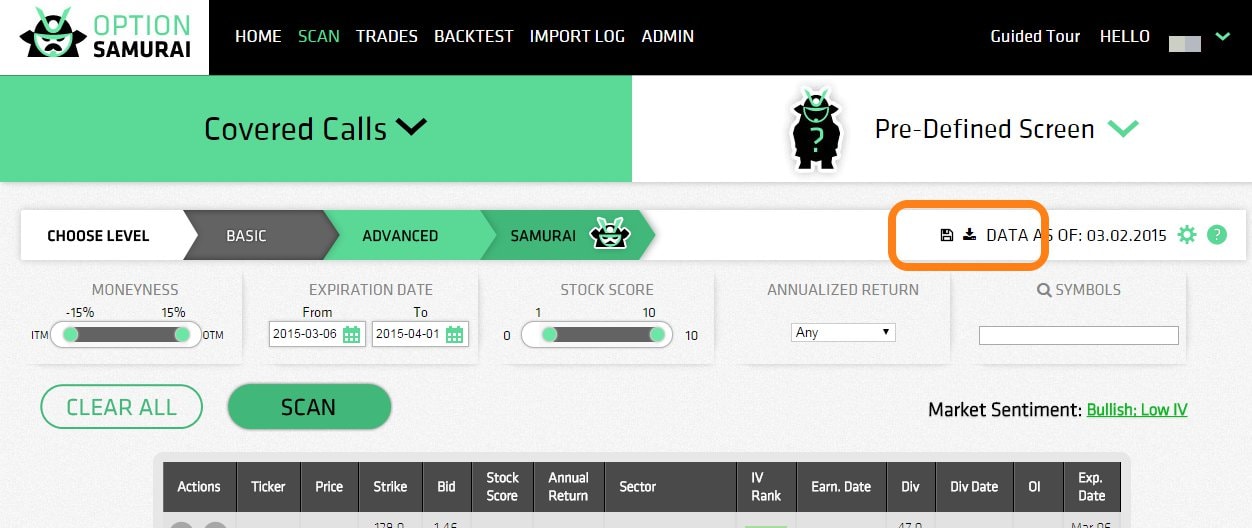
How To: Save customized screen
1 min read
Many users have asked us to allow them to save customized screens. Done. The save feature works such that it remembers all the parameters you've entered, but the date - so you can use it in the...
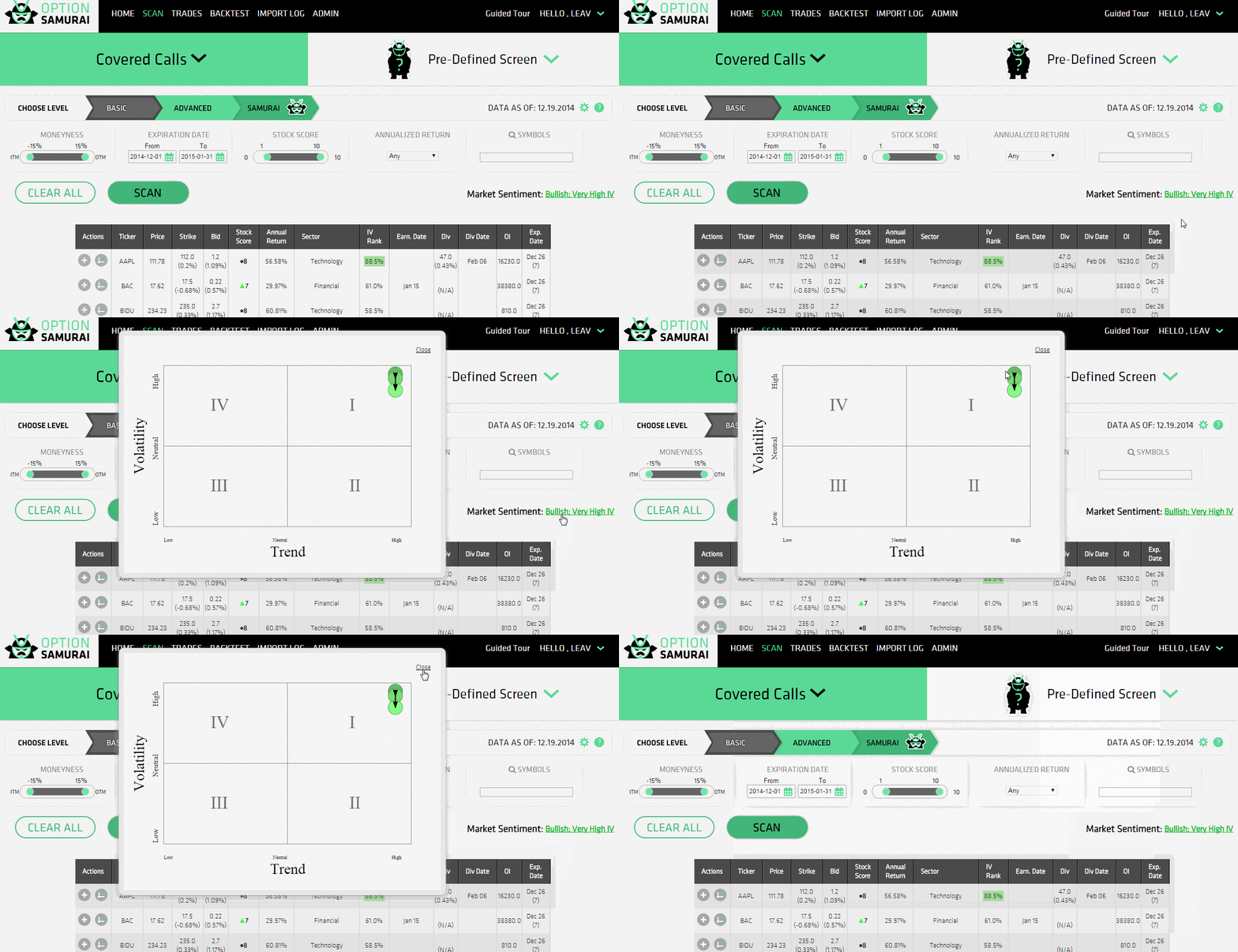
How to read the Market Sentiment
3 min read
This article will Explain how to read the Market sentiment gadget. This gadget is a quantitative tool designed to help investors understand the current market conditions and help them hone their...
FAQ: The option scanners
4 min read
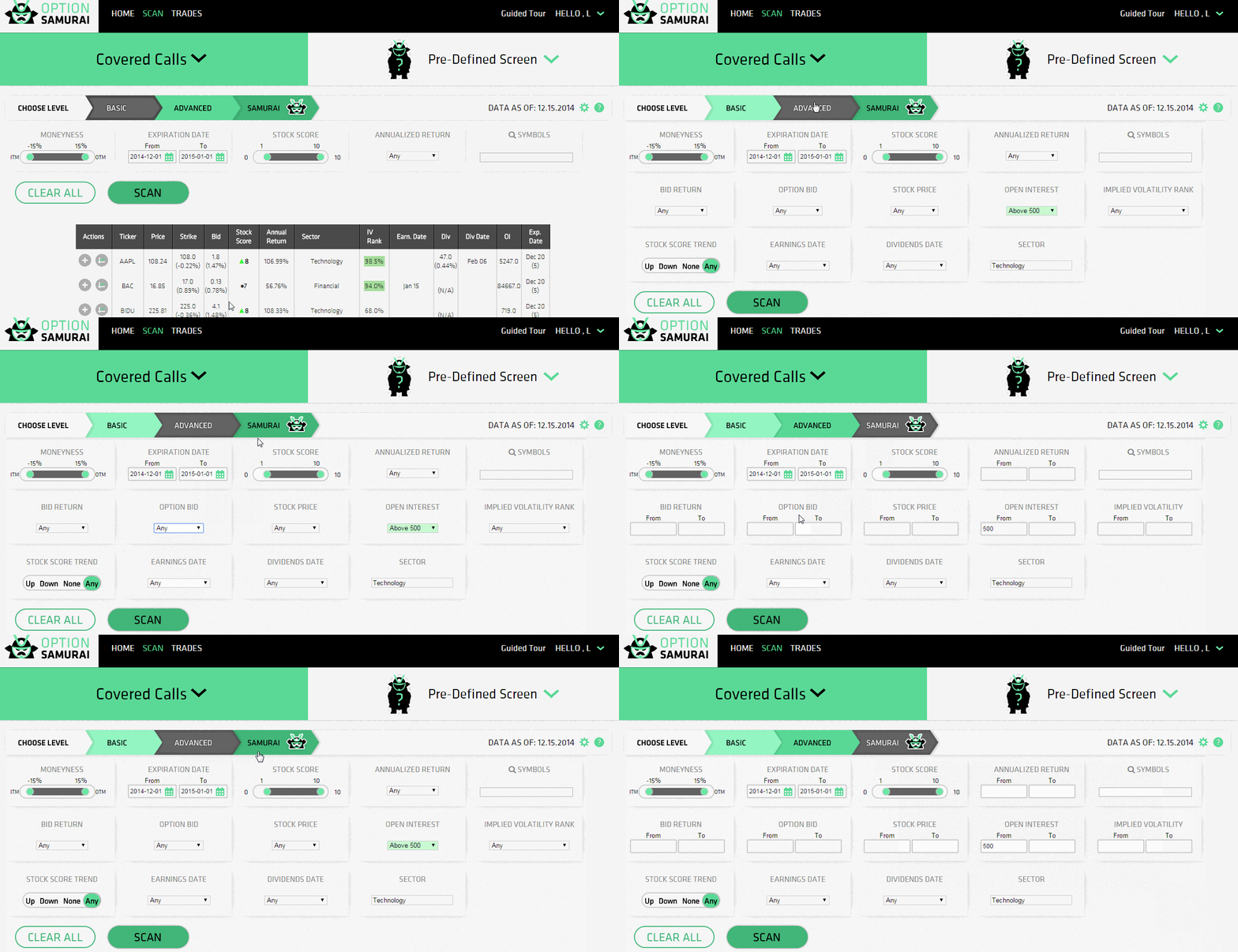
As part of this FAQ post we are going to expand on the different option scanners available on option samurai. You can read more about adding a new scanner on a post with that name.
First thing we...
FAQ: How to read the table header - Covered Call
2 min read
Here is a quick explanation about the table headers and how to best use them.
Option Samurai table header
Let's start from the left:
Actions allow you to interact and activate advance feature...